





Tech Support for Mom & Dad app iconTech Support for Mom & Dad
Get notified

Family tech support · iOS

Gmail locked Mom out
at 11 PM.

Step 2 of 3 is already waiting.

An AI troubleshooter that guides your parents through their tech problems — and a help-desk so you can track, manage, and close every request without a Sunday phone call.

Free to explore. No account needed to start. iOS only for now.

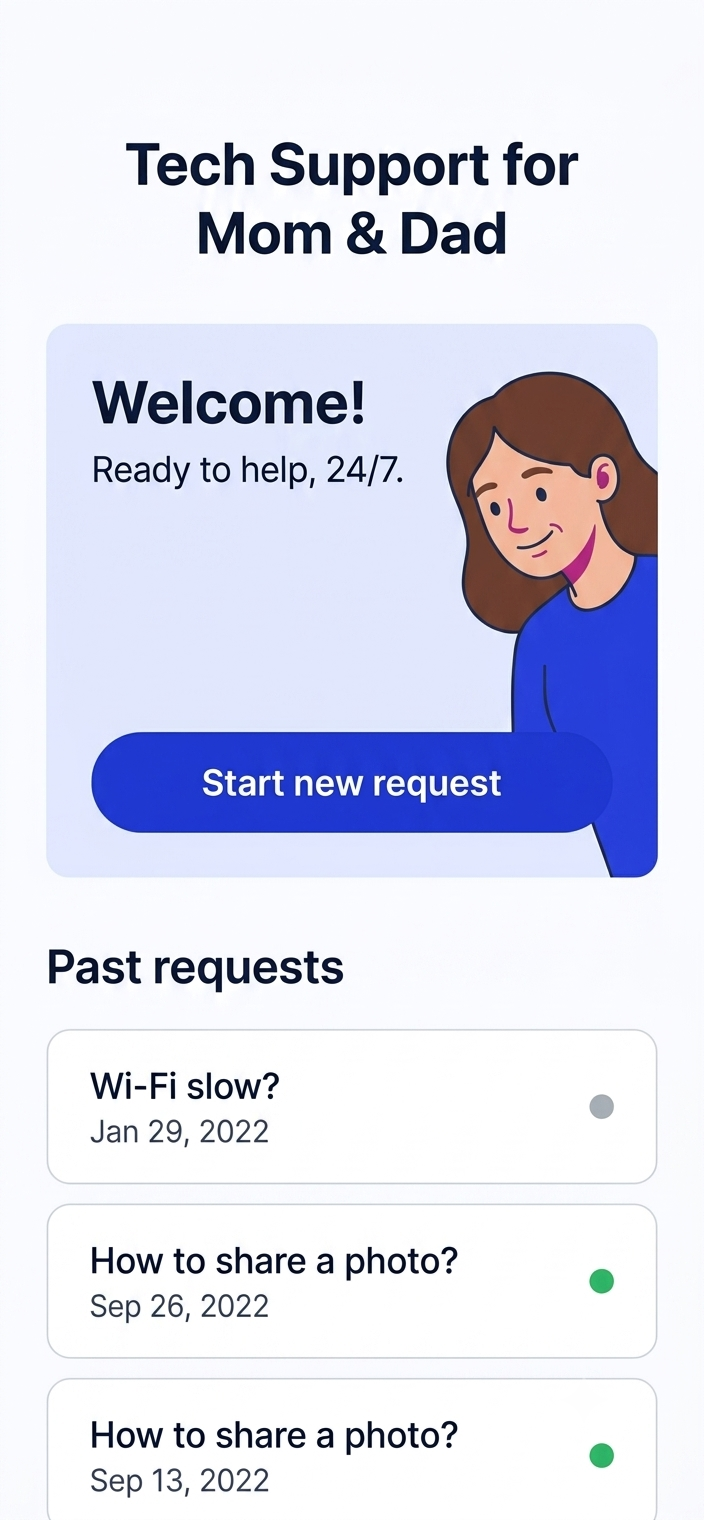
Welcome — free to explore, no account neededParent view — open requests, 3 items, 1 resolvedTicket list — Wi-Fi: In Progress · Gmail: NewAI troubleshooter — Listening for your problem…

The problem

They don't need a Geek Squad. They need you — reliably.

4.2×

more likely to abandon a fix mid-step if instructions aren't sequential

Sunday

the most common day adult kids field parental tech calls

0 tickets

tracked before this — just a nagging feeling that things are broken

Why we built this

“Can you look at my phone?” is not a support request. It's a sign that the tools your parents use were never built for them. We built Tech Support for Mom & Dad because patient, structured help shouldn't require a plane ticket — or a Sunday afternoon.”

What it does

Two apps, one family, zero missed requests.

For Mom & Dad

A troubleshooter that actually waits for you.

Pick a category — Wi-Fi & internet, TV & streaming, Phone & tablet — describe the problem in plain words. The AI breaks it into numbered steps, one at a time. No scrolling past the answer. No tech vocabulary. Step 3 waits until step 2 is done.

Wi-Fi keeps dropping after I updated the router firmware. → Step 1 of 4 ▶

For the helper

A request queue that replaces the group chat.

Every problem your parent submits becomes a tracked ticket. New, In Progress, Waiting, Resolved — visible to both sides. Add notes, mark progress, close it out. No more 'did you ever fix that?' texts a week later.

3 open · 1 resolved · Last activity: 4 min ago

Shared between both

The whole family stays on the same page.

When your parent submits a request, you see it. When you mark something resolved, they see it. Nothing falls through. No parallel conversations. One shared log of every tech thing that's happened.

iPhone is running very slowly · Jul 25 · Waiting

Designed for trust

Transparent about what AI can and can't do.

Every AI-guided session opens with a clear note: AI guidance, not professional IT advice. The app knows its lane. When something is beyond troubleshooting, it says so — and keeps a record for you to follow up.

ⓘ AI guidance, not professional IT advice.

How it works

Three steps. No manual. No jargon.

01

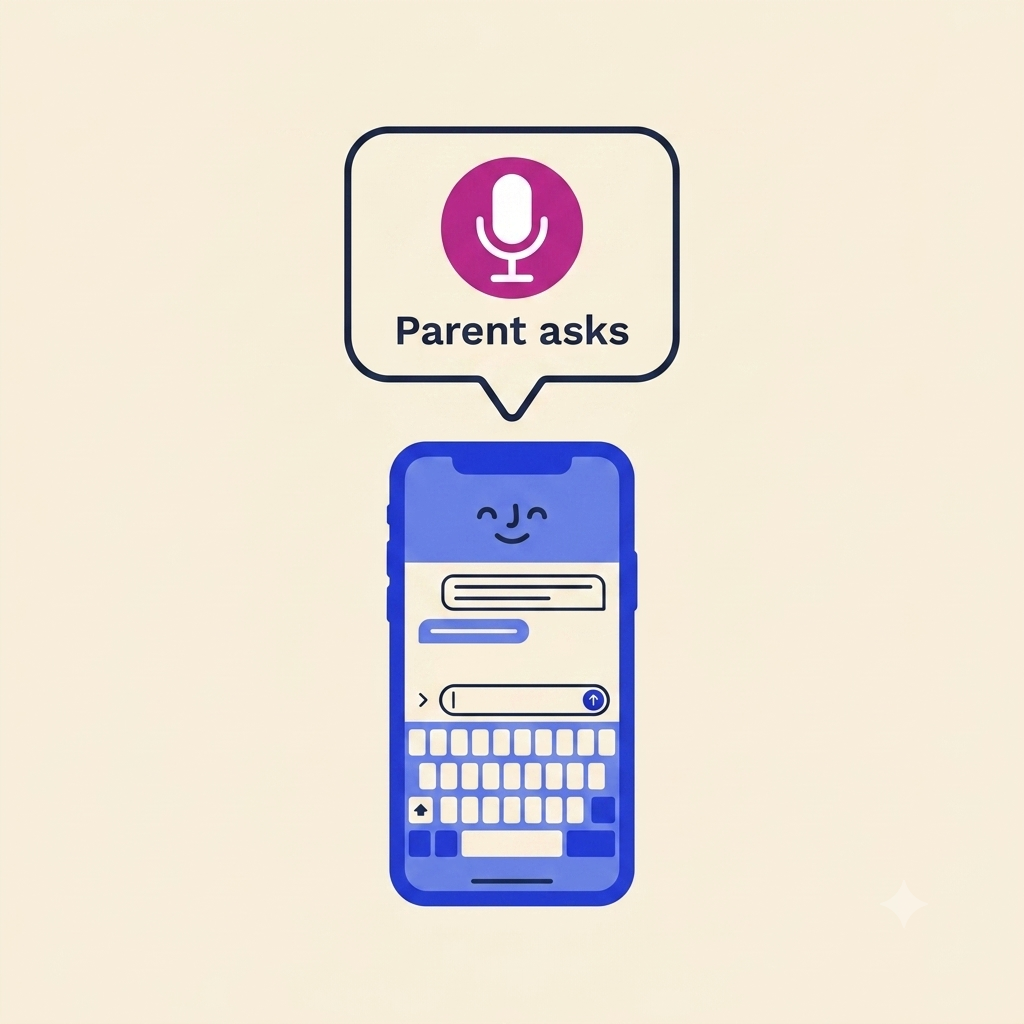
Parent describes the problem

Open the app. Tap Wi-Fi & internet, TV & streaming, Phone & tablet, or Something else. Type or speak what's wrong. Done.

02

AI walks them through step by step

One instruction at a time, phrased simply. No overwhelm. The app tracks where they are and continues from that point if they close and reopen.

03

Helper sees every request and its status

The adult-kid dashboard shows all open tickets in real time. Mark progress, leave notes, call with one tap, or close it when resolved.

Parent home — 3 open requests
AI troubleshooter — step-by-step
Ticket list — all statuses
Onboarding — free to explore

Early feedback

My dad called me eight times last month about Wi-Fi. With this, he walked himself through the fix. I got one text: 'it worked.' That's it. That's the dream.

Sarah T.

Daughter, remote from Chicago

The step-by-step format is everything. My mom always gets lost in the middle. This makes her wait for me to confirm before she does something wrong. It's like having me there.

Marcus R.

Son, lives 4 hours away

I didn't think I'd use the 'helper' side much. But seeing all their open tickets in one place — and being able to close them — feels like finally having a system.

Priya M.

Daughter, parents in another timezone

App screenshot
App screenshot
App screenshot
App screenshot
App screenshot
App screenshot
App screenshot
App screenshot

FAQ

Questions we get asked before the first download.

Tech Support for Mom & Dad

The next time they call, it'll already be in the queue.

Leave your email. We'll send one message when Tech Support for Mom & Dad is live on the App Store. No newsletter. No drip. Just launch day.

Family Tech

Real fixes for real family tech headaches

How-To Guide

How to Help Your Parents Fix Their iPhone Without a 45-Minute Phone Call

We've all been there — your mom calls mid-workday because her iPhone 'just went black' and you're walking her through every setting while your own to-do list piles up. There's a smarter way to handle family tech support that doesn't require you to be on-call 24/7. Here's how to set up a simple system so your parents can troubleshoot first and you can step in only when it really matters.

Read more →9 min read
Listicle

10 Most Common Tech Problems Older Parents Have (And Exactly How to Fix Them)

From forgotten Apple ID passwords to Wi-Fi that 'stopped working for no reason,' the same tech problems come up again and again for parents over 60. We've compiled the ten most frequently reported issues — ranked by how often adult kids get the SOS call — along with clear, jargon-free fixes you can bookmark and share. Save this one: your parents will thank you.

Read more →9 min read
Comparison

AI Troubleshooter vs. Googling the Problem: Which Actually Helps Non-Tech-Savvy Parents?

When your dad's phone acts up, he has two options: Google the error message and land on a 2019 forum thread written for IT professionals, or ask an AI that speaks plain English. We put both approaches to the test across five real scenarios older adults encounter, comparing accuracy, ease of use, and time-to-fix. The results might change how your whole family handles tech problems.

Read more →9 min read
Ultimate Guide

The Adult Kid's Ultimate Guide to Setting Up a Family Tech Support System

If you're the designated 'tech person' in your family, you already know the role comes with zero training and unlimited requests. This guide walks you through building a lightweight but real family IT support system — covering remote access tools, shared password managers, documentation habits, and how apps like ParentDesk can give you a help-desk view of every request without the chaos. Set it up once, save yourself hundreds of hours.

Read more →10 min read
Best-Of Roundup

Best Apps for Helping Elderly Parents With Technology in 2025

From remote screen-sharing tools to simplified phone launchers and family help-desk apps, the App Store is finally catching up to a real need: making technology less stressful for aging parents and the adult kids who support them. We reviewed the top apps across four categories — troubleshooting, remote access, communication, and simplified interfaces — so you can build the right stack for your family's needs.

Read more →9 min read